
Homes
Home Office Design Ideas for Pakistani Homes
Remote and hybrid work is here to stay. A well-planned home office is more productive and kinder to your back.
Find the right location
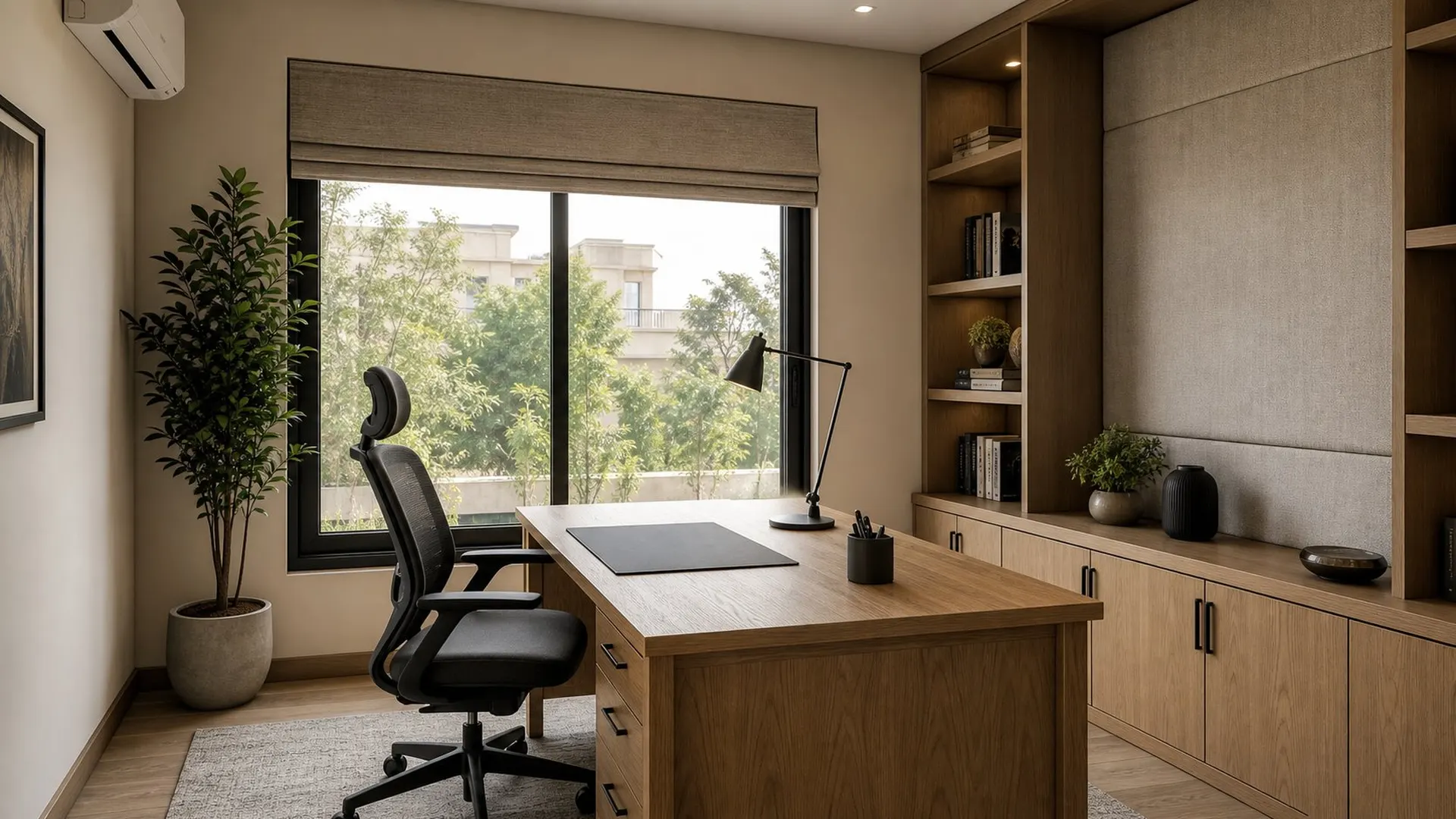
The best home office design ideas start with location. A spare room is ideal; otherwise a quiet corner of a bedroom, a landing or under-used dining space works. Avoid the busiest family areas and spots next to the TV.
Desk and chair
- Desk depth enough for a screen at arm's length.
- Adjustable chair with lumbar support.
- Screen top at eye level.
- Cable tray and sockets at desk height.
- Backup power for outages.
Light it well
Place the desk so daylight comes from the side, not behind the screen or behind you. Add a task lamp and soft ambient light for evenings. For video calls, a light facing you looks better than a window behind. See lighting layers.
Storage and background
Closed cabinets keep paperwork out of sight and your video background calm. Built-in shelves with a few books or plants work better than clutter. In small homes, a fold-down desk inside a wardrobe can hide the office after hours.
Ergonomics checklist
| Item | Aim |
|---|---|
| Screen | Top at eye level, about arm's length away |
| Chair | Feet flat, knees about hip height, back supported |
| Desk | Elbows near 90 degrees when typing |
| Laptop | Use a stand with separate keyboard and mouse |
| Breaks | Stand and move regularly |
A few small adjustments prevent back and neck pain over long working days.
Power, internet and backup
Load-shedding and weak Wi-Fi make remote work hard. Place the desk near the router or run a cable, consider a mesh system for larger homes, and connect the router, modem and laptop to a UPS. Plan enough sockets at desk height so cables do not trail across the floor.
Home office for two
If two people work from home, give each a separate zone where calls will not clash. A long shared desk works for focused work, but calls need a door or distance. Acoustic panels and a rug between desks help.
Acoustics and video calls
Many people now spend hours on calls from home. Hard surfaces echo, so add a rug, curtains, upholstered seating and a bookcase to absorb sound.
Face the desk towards a wall or window rather than away from a door. Place a soft light in front of you, not behind, so your face is clear on camera.
Cables, power and connectivity
- Plan sockets at desk height, not just at the skirting.
- Add a data point or place the Wi-Fi router nearby.
- Include a cable tray or grommet under the desk.
- Put the inverter or UPS connection on the desk circuit.
See our home office design service.
How to prepare for your first design meeting
A clear brief saves time and leads to better design. Before you meet a designer, gather a few simple things.
- Plans or drawings of the space, or a rough sketch with measurements.
- Photos of the space as it is today.
- Five to ten images of interiors you like, and a few you dislike.
- A list of must-haves and nice-to-haves.
- A realistic budget range and the date you need the space ready.
With this in hand, the first meeting moves straight to ideas instead of basic questions. You can book a site visit or studio meeting online.
Quiet and comfort
Rugs, curtains, upholstered chairs and a fabric panel reduce echo on calls. A door that closes and a split air-conditioner keep you focused through Lahore summers. Our home office design service plans all of this, and small-space planning helps in compact homes.
The short version.
- Choose a quiet spot away from family traffic.
- Side daylight plus a task lamp.
- Closed storage and soft finishes for calls.
Questions
Asked often, answered plainly.
In a quiet room or corner away from the TV and main family areas, ideally with side daylight.
Deep enough to keep the screen at arm's length and wide enough for your work. Measure before buying.
Add a rug, curtains, upholstered seating and a fabric wall panel.
Yes, with a compact desk and closed storage so work disappears at night.
A good home office lets you start work quickly and stop work completely.
Keep looking
Related reading.
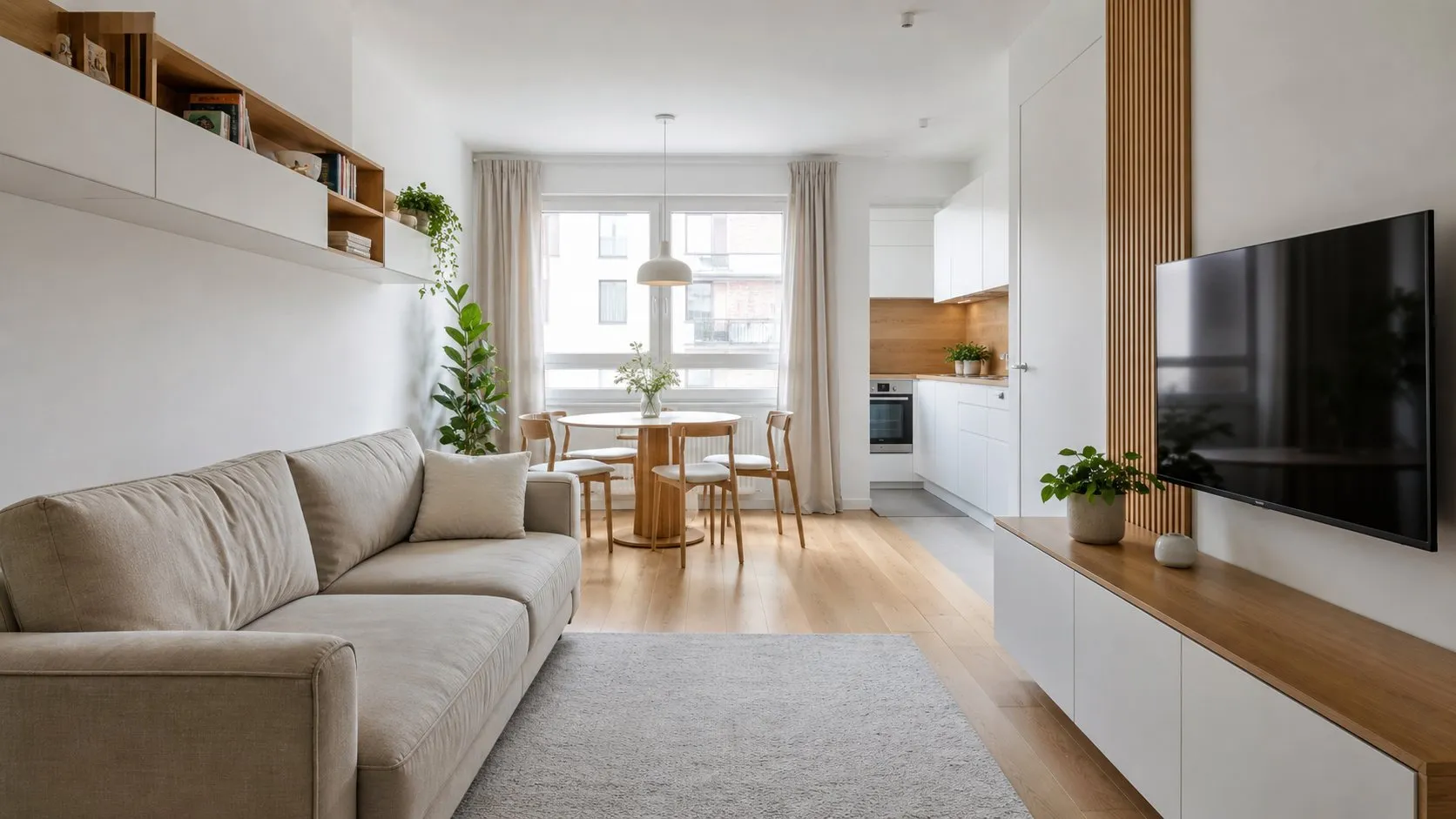
Apartment and Small-House Space Planning in Lahore
Planning ideas that make apartments and compact homes feel larger and work harder.
Read the articleSmall rooms that live large
Small space interior ideas for compact homes: storage walls, clear sightlines, light and multipurpose zones th
Read the article
Lighting Design Layers, Explained
Ambient, task, accent and decorative light, and how to combine them in real rooms.
Read the article